BiblioViva

The school library made easy

BiblioViva is software for running a school library: loans for students and teachers, cataloguing from the ISBN, printing of library cards for patrons, barcodes and spine labels for books. It comes from hands-on experience running a school library, with the aim of a tool that is simple, also for people who seldom use a computer.
Free and open source.

Scan the card. Scan the book. Done.

No special equipment.An inexpensive USB barcode scanner, or a phone, reads library cards, books and ISBNs.
biblioviva.scuola.ts.net
Loans
Card · Giulia RossiBook · The Little PrinceBook · Matilda
Giulia RossiClass 4 BNo books on loan1 book on loan
Now scan the books
Loan recordedThe Little Prince · due 12 November
Matilda is on loan to MarcoRecord the return first, then come back here.
Go to Returns
The Little Princedue 12/11
1

Enter the card.

The patron's photo and class appear at once.

2

Scan the book.

The loan is recorded with its due date.

3

Not sure what to do?

The message explains what to do, and the documentation is one click away.

Highlights.

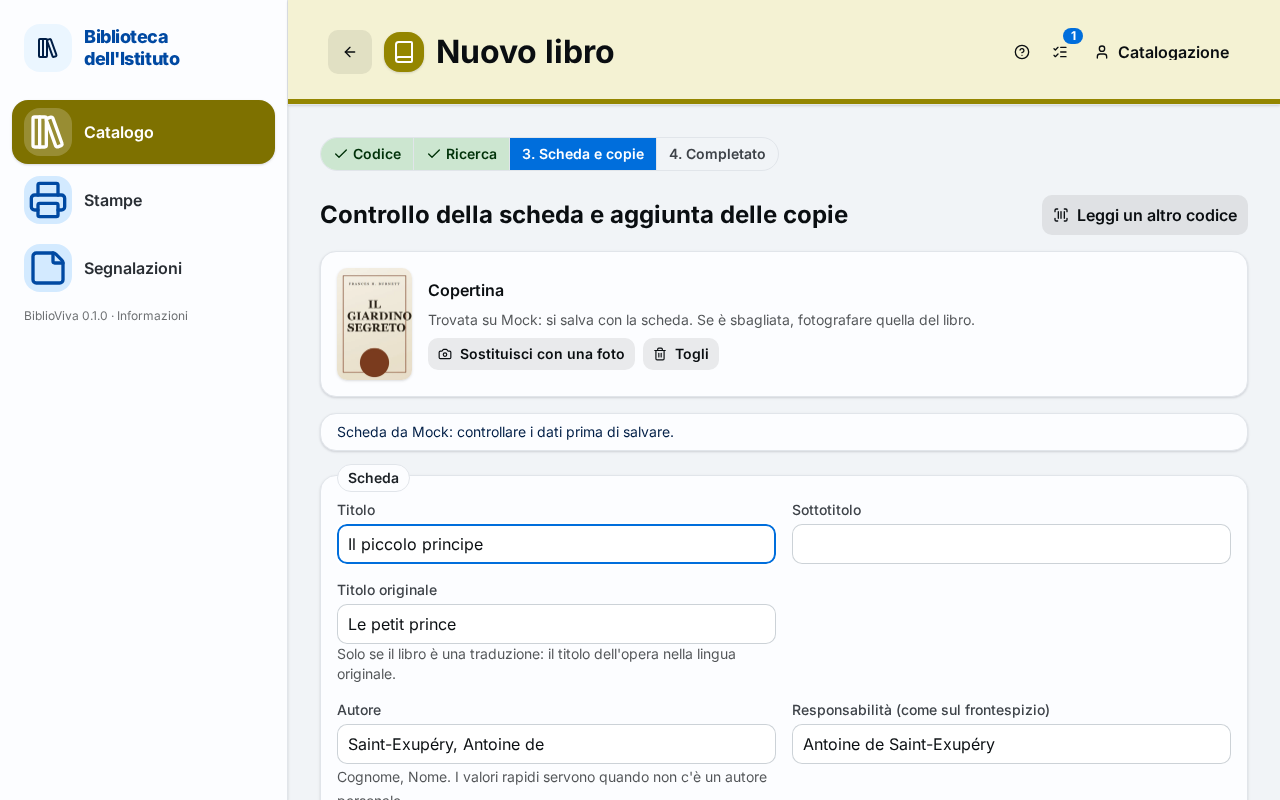
Catalogue

Type the ISBN, or read it with a barcode scanner or a phone.

Title, author, publisher and cover from OPAC SBN.

biblioviva.scuola.ts.net
New book
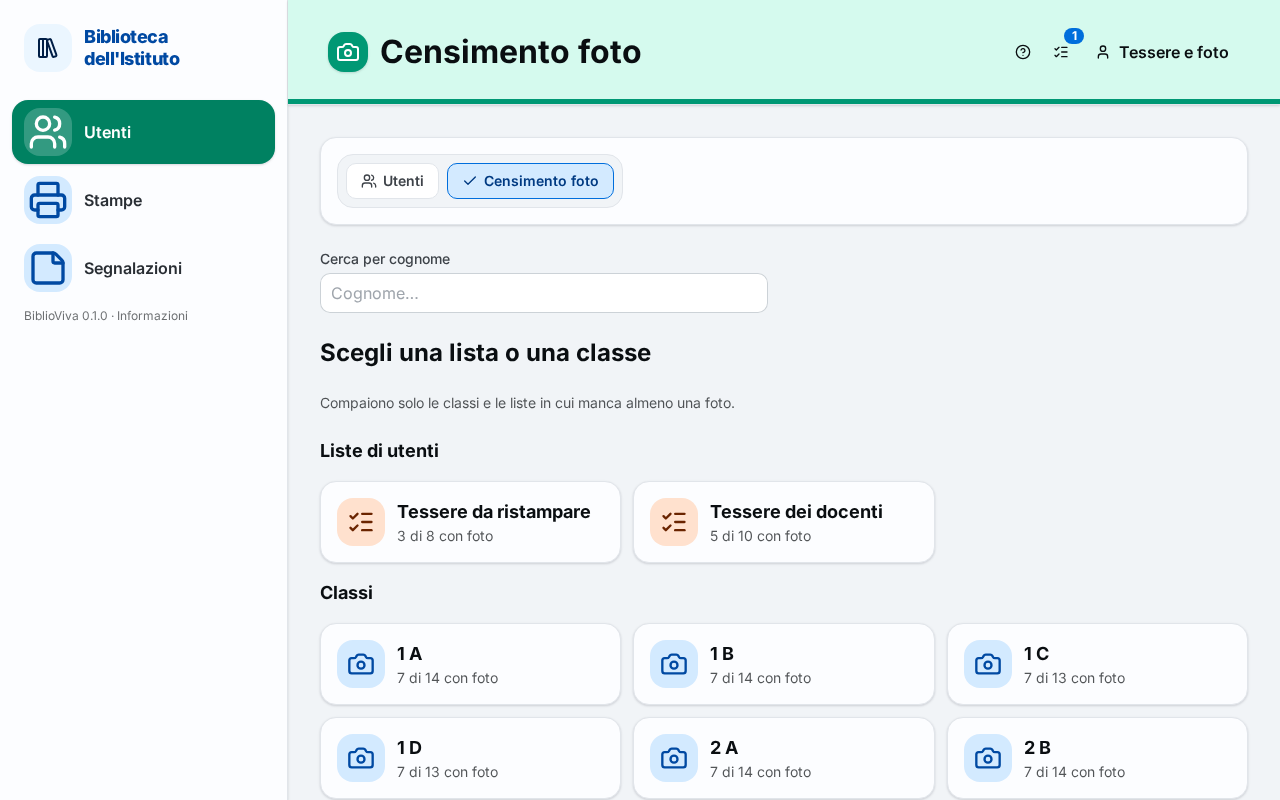
Scanned ID photos

A whole class's photos in a few minutes.

From a scan of the sheet of ID photos, each portrait is cut out and matched to its student.
biblioviva.scuola.ts.net
Photo census
Library cards

Two-sided library cards.

With photo and barcode, on a template you can customise.

Giulia Rossi4 B · Rodari Library
Labels

The band on the spine and the barcode inside.

On ordinary adhesive sheets, even with a black-and-white printer.

B
4
DEL
590
ROS
G
ROD
920
LEV
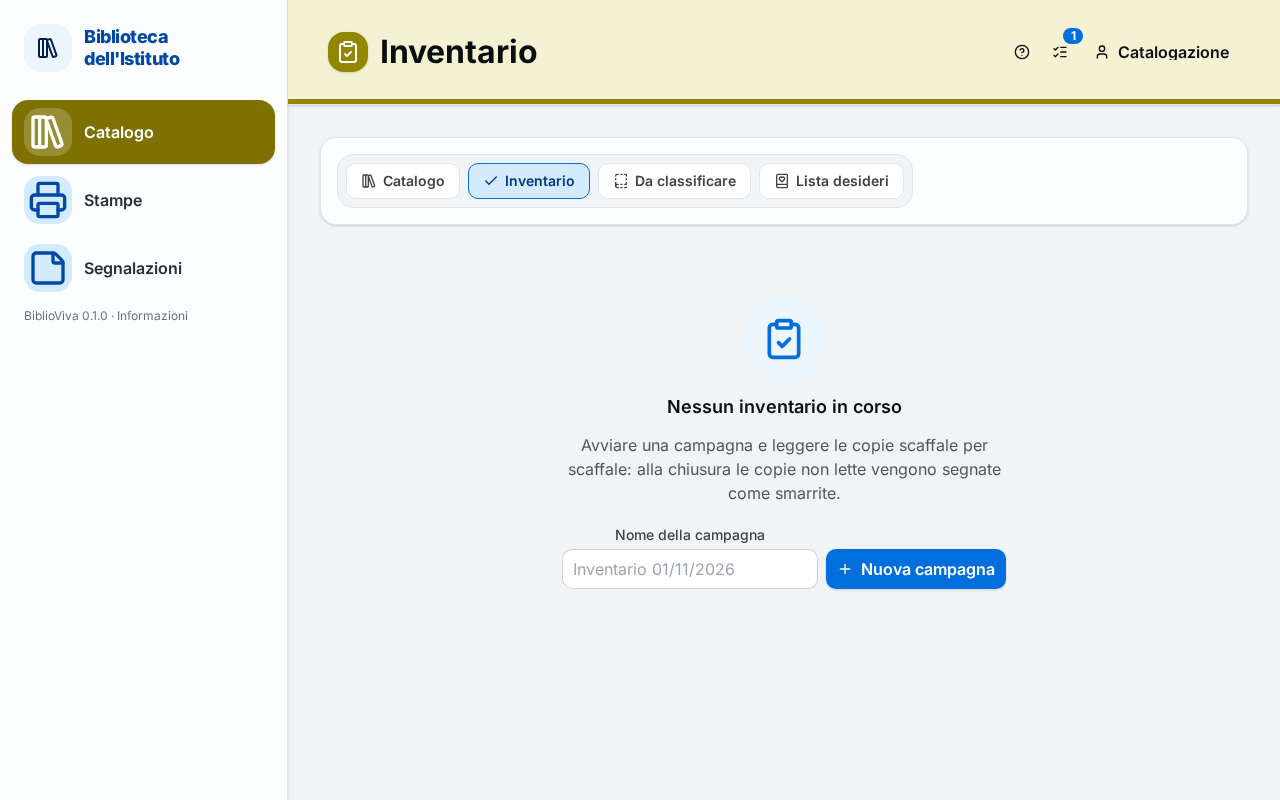
Stocktaking

Stocktaking, shelf by shelf.

At the end, the list of books not found is already there.
biblioviva.scuola.ts.net
Stocktaking
Reports

Statistics without spreadsheets.

Loans, reading and late returns, by class and by period.
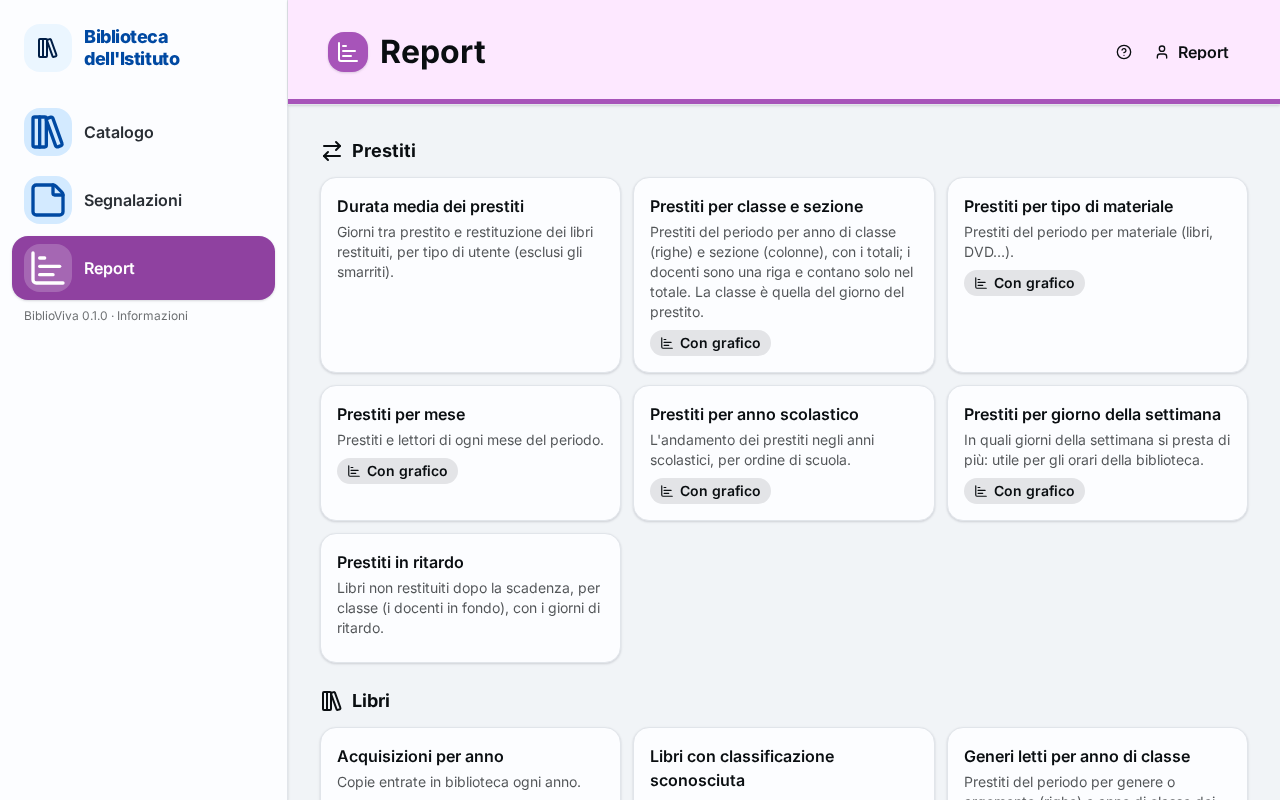
biblioviva.scuola.ts.net
Reports
Phone · optional

The phone as an extra tool.

Its camera can stand in for the scanner and take photos and covers.

Loans

Students' data
stay at school.

BiblioViva runs on a computer at the school and only the staff can reach it. No cloud service, no subscription, no data handed over.

Staff-only accessNo access for students or families; connections go through a private network.
AnonymisationWhen a patron leaves the school, their personal data are erased at once.
Backup and restoreA daily backup of books, patrons, photos and settings.

What BiblioViva does.

Everything a school library needs, area by area.

Loans

  • Loans and returns with the barcode scanner
  • Renewals, limits and due dates on the school calendar
  • Overdue notices printed by class
  • A wishlist of books

Catalogue

  • Cataloguing from the ISBN with OPAC SBN and covers
  • Genres, reading levels and automatic call numbers
  • A search that forgives typing mistakes
  • Shelf stocktaking

Patrons

  • Students and teachers, organised by class
  • Import from the school office's lists
  • ID photos from a scan
  • Class upgrade at the end of the year

Printing

  • Two-sided library cards, with calibration
  • Spine bands and barcode labels
  • Templates edited with a visual editor
  • Print lists to work in batches

Reports

  • Ready-made reports for the end-of-year review
  • A guided editor and pivot tables
  • Export to a spreadsheet
  • Direct printing

Administration

  • Accounts by role, with separate permissions
  • Every setting from the interface
  • Nightly backup and restore
  • Italian and English, other languages with translation packs

Why BiblioViva.

Free, for goodNo licence fee, no subscription, no limit on books.
Open sourceReleased under the GPL: the code is public and anyone can contribute.
An old PC is enoughEven the library's own PC, or a Raspberry Pi.
Italian and EnglishThe interface is in Italian and English; other languages with a translation pack.
Data importCatalogue, patrons and loans from existing data, checked before they are imported.
Complete documentationStep-by-step guides for everyday use, administration and installation.

From nothing to the first loan.

An illustrated guide goes with every step.

1Prepare the computerA PC with Linux or Windows, or a Raspberry Pi. 10 min
2Choose the networkThe school's network, or Tailscale (free) for the phone and access from outside. 5 min
3Install BiblioVivaOne command and two questions: the rest is automatic. 10 min
4Complete the first startThe wizard sets up the school, the classes and the codes. 5 min
Follow the installation guide

Try the demo.

A complete copy of BiblioViva with sample data, reset every night.